Playing on a smartphone offers the same access to the KikiBet library as a desktop, with a dedicated approach for both major mobile operating systems. This setup ensures players can manage their account, deposits, and wagers on the move using the brand’s provided mobile solutions.
KikiBet app: the install overview
| Device | Method | Size / Type | Access |
|---|---|---|---|
| Android | Download APK | ~40 MB | Direct install |
| iPhone | Web App | Browser-based | Safari Share |
| Tablet | Browser | Web browser | Mobile site |
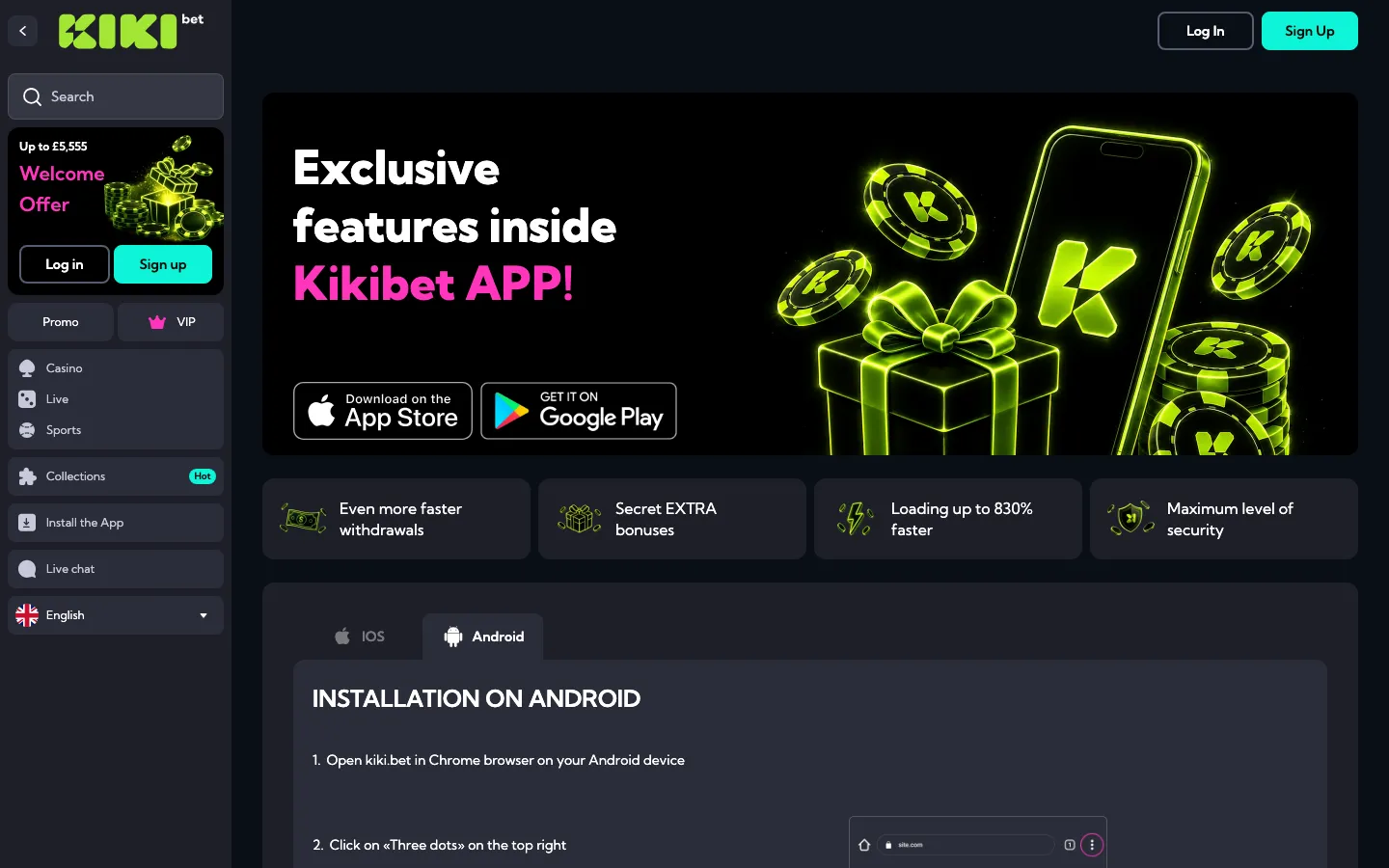
The platform does not list a native application on the Google Play Store or Apple App Store, choosing instead to provide a direct APK file for Android users and a web-based shortcut for iOS. These solutions allow users to bypass store restrictions while maintaining access to the full casino and sportsbook lobby.
Both versions share one account, so a deposit made on a laptop shows on the phone straight away. A £20 deposit with KIKI100 made in the app adds the same £20 bonus and the same £700 wagering target (£20 x 35) as on desktop.
KikiBet APK: troubleshooting
When managing the KikiBet APK, players might occasionally encounter issues related to system security settings or file updates. The most common hurdle for Android users is the “Install blocked” notification, which appears because Android only installs store apps by default. To fix this, open your phone settings, select security or privacy, and allow installs from your browser for this one file. This is a one-time change that enables the APK to run.
If the application fails to update automatically when a new version is released, simply delete the existing APK file from your device and download the fresh version directly from the mobile site. This ensures you have the latest performance patches and security fixes. For those facing lag or slow loading times, clearing the application cache via the phone’s app management menu typically resolves the issue. If your balance appears incorrect after a session, log out and log back in; this forces a re-sync with the server, refreshing your cash and bonus totals.
For example, if you are attempting to deposit £20 to trigger the welcome offer and the app seems frozen, ensure your connection is stable. If you try to deposit £100 and receive an error, confirm that your chosen payment method, such as Visa or Mastercard, is not blocked by your bank for gaming transactions. Maintaining at least 500 MB of free storage space on your device also prevents most “disk full” errors during the installation of future updates.